
Building Hermes Mobile Client from My iPhone
I started Hermes Agent Mobile Companion as a Sunday project.
The plan was simple enough: I wanted a native iOS companion for Hermes Agent. I had already written about setting up Hermes Agent as my personal operator, and the more I used it, the more obvious the mobile gap became. I had been using Hermes through Telegram, and Telegram works, but it never felt like the right long-term interface for something I use every day. Hermes Desktop showed what a proper first-party UI could feel like. I wanted that feeling on my iPhone.
Then Sunday became a family day. We had plans for a trip to Vienna, so the normal version of this project should have stopped there: close the MacBook, go outside, maybe pick it up later.
Instead, I ended up building a meaningful part of the MVP remotely from my iPhone, controlling a Claude Code session that was running on my MacBook at home.
That sounds like a gimmick, but it is exactly the kind of workflow that made me want Hermes Mobile in the first place. If agents are going to keep working while I am away from the desk, I need a better way to supervise them than a general-purpose chat app.
The project is open source here: github.com/goncharik/hermes-mobile. If you already run Hermes Agent on your own Mac/server, you can check the repo and try the current build yourself.
Why a native iOS app?
My current Hermes setup runs on a Mac server. From the beginning, I wanted the iPhone app to be a thin client for that server, not a second Hermes runtime.
That is the whole point of Hermes Mobile: the Mac keeps doing the real agent work, and the phone gives me a native way to stay connected to it.
The app connects to a trusted Hermes instance, lists sessions, resumes or creates chats, streams assistant responses, shows tool activity, and lets me answer approval or clarification prompts while the real work continues on the Mac.
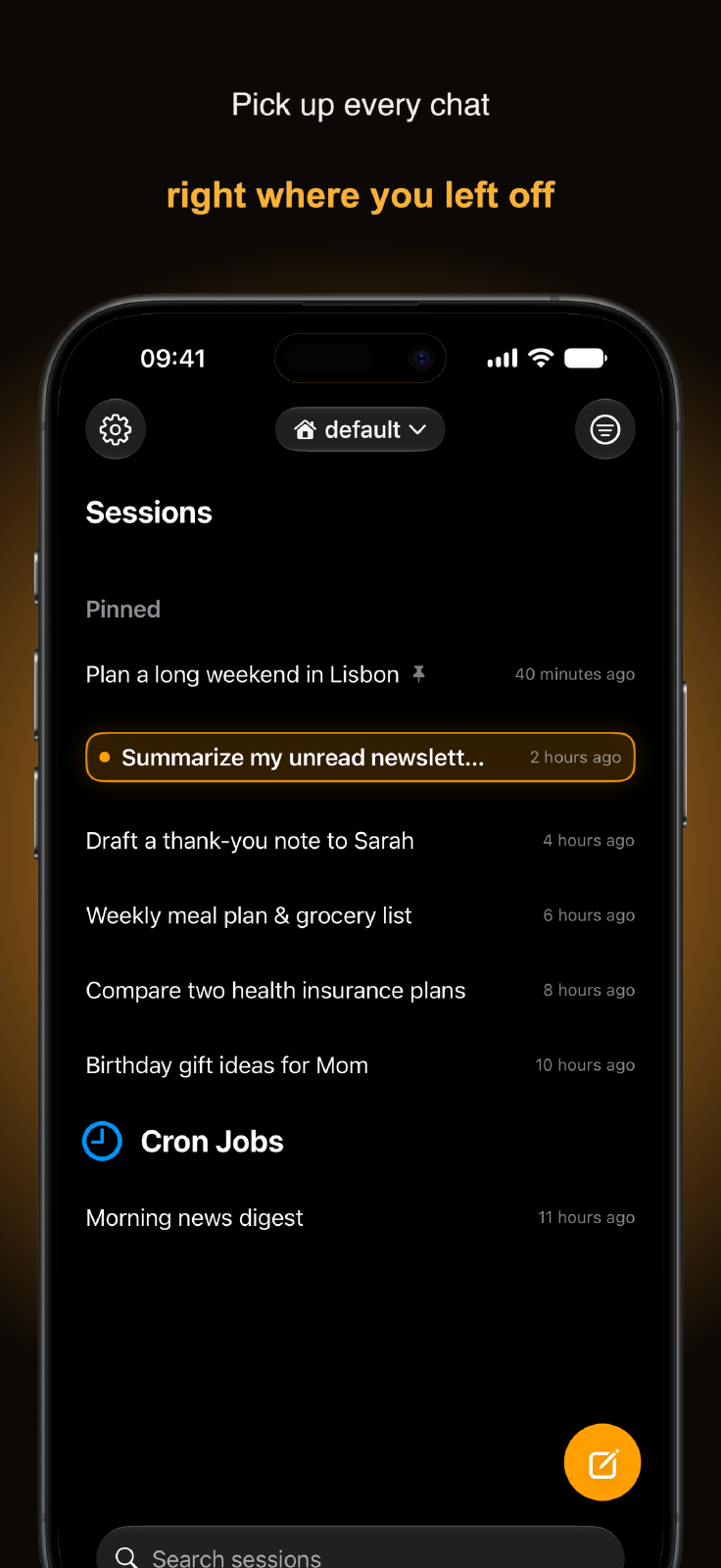
This distinction matters. A mobile agent app is not just another chat screen. The useful mobile job is supervision:
- What is the agent doing?
- Did it ask for approval?
- Is it blocked on a clarification?
- Can I resume a session while I am away from the keyboard?
- Can I check progress without opening a laptop?
Telegram can cover part of that. A native app can make it feel like a product.
The MVP boundary
The first version of Hermes Mobile is built around one question:
Can I use Hermes comfortably from my phone while keeping the real runtime on my Mac?
That gave the MVP a clear shape:
- connect to a Hermes server URL with a token
- store the token in Keychain
- list sessions, grouped by workspace
- search sessions
- create or resume a session
- stream live responses over WebSocket JSON-RPC
- render assistant messages as native Markdown
- show tool and skill activity rows
- open a detail sheet for tool args, result, and diffs
- respond to approval requests
- answer clarify prompts
- support sudo/secret prompts without echoing secrets into the transcript
- expose settings, reconnect, logout, and debug logs
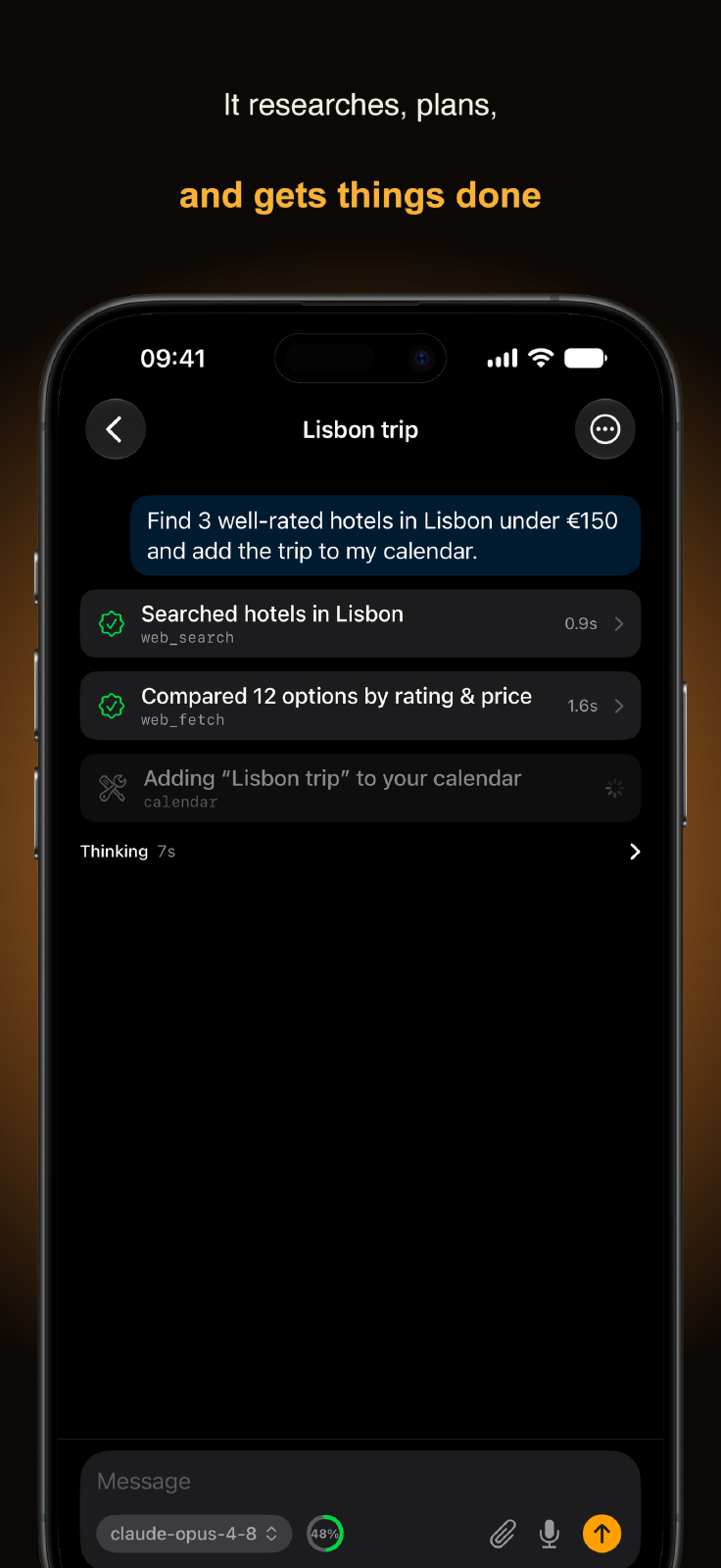
That is enough for real dogfooding, and at this point it feels like a solid app rather than a throwaway prototype. It is not hardened for every public remote-access scenario yet, but it is good enough to replace my Telegram bot workflow for daily use.
That was the important validation point. I can now use the app on my own iPhone and feel the missing parts directly.
Architecture
The app is SwiftUI with TCA and a local HermesKit package.
The split is fairly simple:
- REST for persisted and management surfaces: status, sessions, search, history
- WebSocket JSON-RPC for live chat: session create/resume, prompt submit, streaming deltas, tool events, approvals, clarify, sudo, secret prompts
- Keychain for token storage
- UserDefaults/preferences for the server URL
- TCA reducer tests for protocol and state handling
- SwiftUI snapshot tests for the main screens and cards
The repo started with protocol discovery. I needed to verify how Hermes Desktop and the dashboard actually talk to the backend instead of guessing. The important finding was that the iOS app should connect to the existing Hermes runtime, not try to recreate Hermes locally.
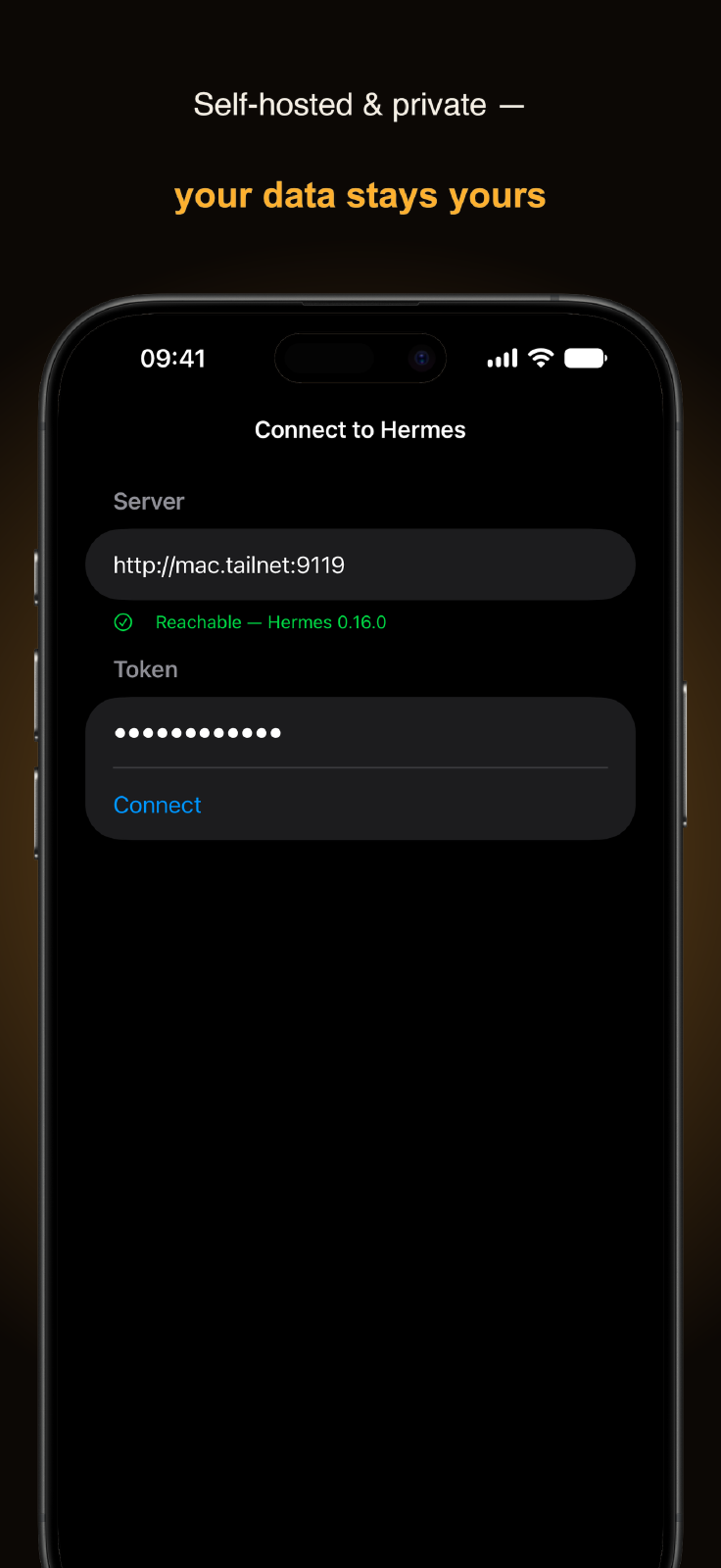
For the current MVP, the trust boundary is a private network, usually Tailscale. The Hermes server runs with a stable dashboard token, and the phone connects over the tailnet. That is fine for dogfooding, but it is not the final answer for broader distribution. Proper pairing, QR onboarding, scoped tokens, and revocation need backend work.
Building while away from the Mac
One important correction: I did not build the MVP through Hermes Mobile itself.
For the remote coding part, I used Claude Code running on my MacBook at home. On the iPhone side, I used the Claude app with its remote-control flow, which I had already set up on the Mac. So the setup was roughly:
- MacBook at home running the actual coding session
- Claude Code doing the work in the local repo
- iPhone in my hand while we had family plans around a Vienna trip
- me steering the session from the phone, reading progress, correcting direction, and deciding the next slice
When you work this way, the phone is not only for writing prompts. You need to see what the agent is doing, where it is blocked, what it wants approval for, and whether the current session is still healthy. A normal chat UI can work, but it hides too much of the structure: tool calls, status updates, prompts, session state, model settings, reconnects, logs.
That is the kind of structure I wanted Hermes Mobile to expose natively.
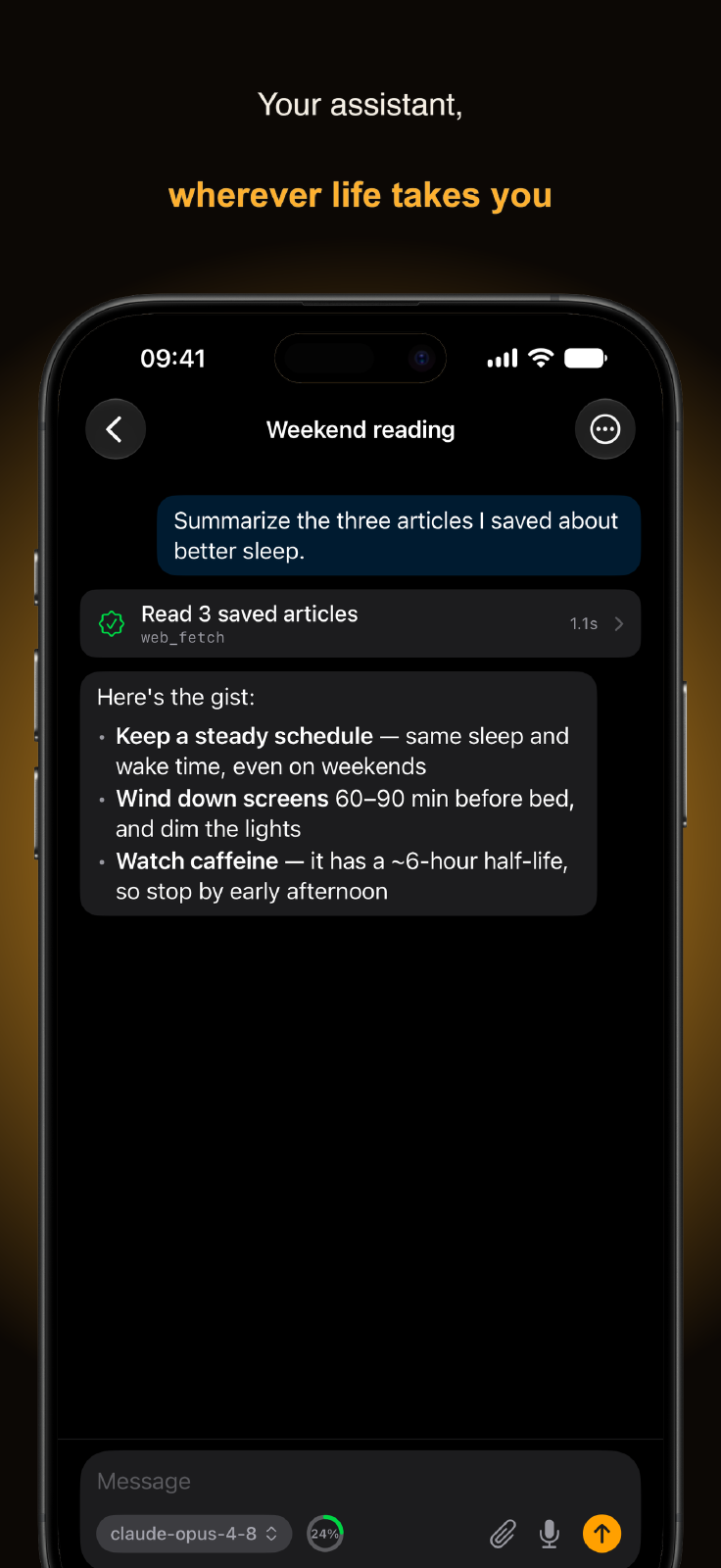
It also forced useful product discipline. When you build or supervise work from the phone, every rough edge becomes annoying fast. If login is clunky, you feel it. If reconnect is unclear, you feel it. If tool calls are invisible, you lose trust. If approval cards are easy to miss, the whole workflow breaks.
There is also an uncomfortable side note here. Claude Code and Codex already have a lot of good tooling around them. Claude Code also has project-level memory now. Maybe for many people that is enough. Maybe the practical answer is just to use Claude Code or Codex as the main agent and not overcomplicate the stack with Hermes?
For Hermes, the bet is different: that it becomes more useful over time because memory, skills, scheduled jobs, personal workflows, and cross-session context compound. That is the part I still want to test. If that compounding does not happen, then Hermes is harder to justify. If it does happen, a native mobile client starts making much more sense.
That is why dogfooding is not a slogan here. It is the test.
What changed after the first MVP
The first snapshot already had the core loop working: connect, list sessions, stream responses, show tool activity, and answer approvals or clarify prompts.
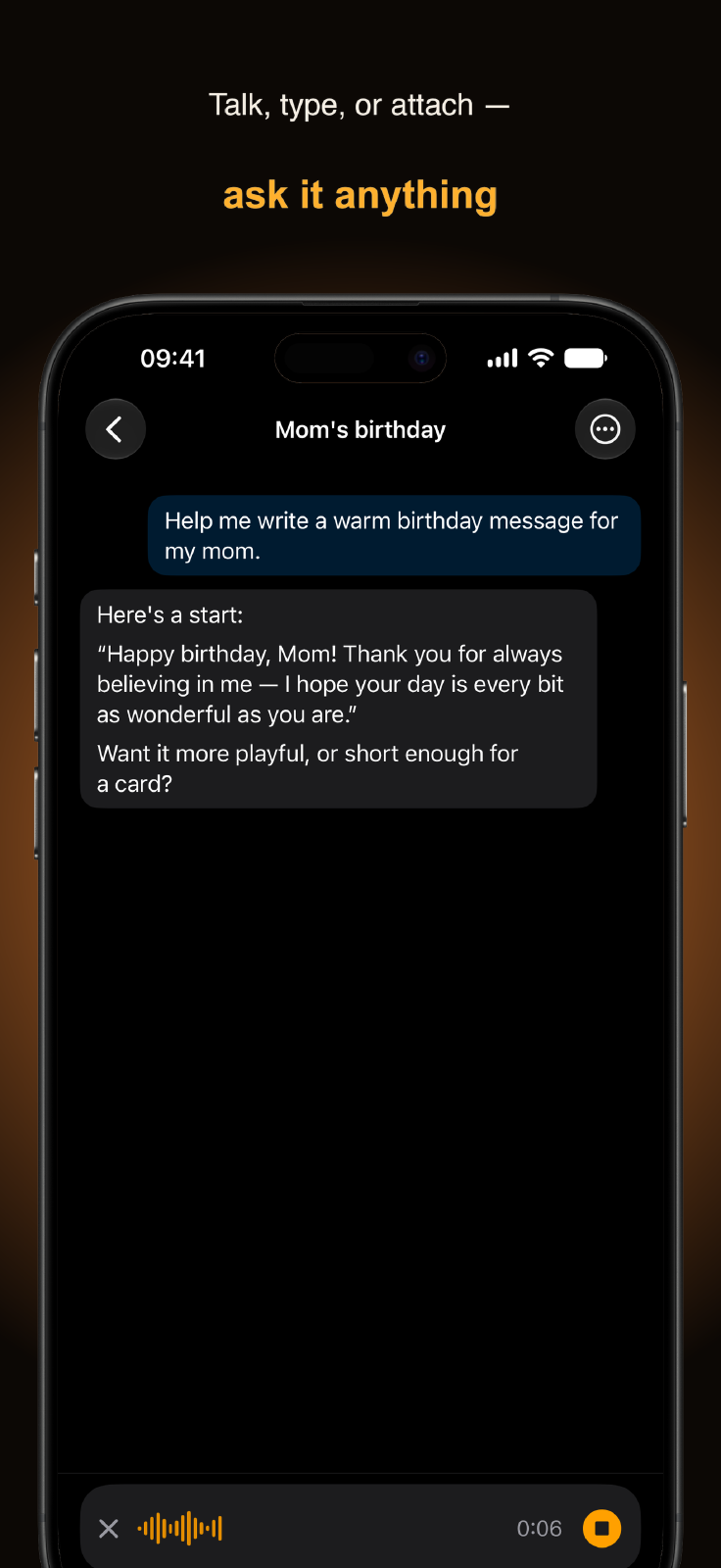
Since then, the repo kept moving. The latest GitHub progress shows multi-profile work, chat scoping fixes, archived-session scoping, and Cron Jobs grouping. That matters because Hermes itself is not a single flat chat app. Profiles, workspaces, archived sessions, cron sessions, and tool-heavy turns are part of the real product shape.
The cron-session work is a good example. Grouping Cron Jobs separately, like desktop, sounds like a small UI detail. In practice it is the kind of detail that separates “chat app wrapper” from “mobile control surface for an agent runtime.”
What is still rough
The biggest rough edge is auth and onboarding.
Right now the MVP assumes a trusted private network and a stable token. That is acceptable for my own tailnet. It is not something I would tell random users to expose on the public internet.
The second issue is notifications. Approvals and clarify prompts are time-sensitive. If I have to open the app manually to discover that the agent is waiting, mobile loses a lot of its value. Push notifications are probably the highest-leverage fast-follow.
Reconnect behavior also needs more work. If the socket drops while Hermes is waiting on an approval or clarification, the app needs a reliable way to recover that pending prompt. Otherwise the backend can be waiting while the phone no longer shows the card.
None of this is surprising. It is what happens when an MVP becomes useful enough to expose the real problems.
Why this project is useful beyond the app
Hermes Mobile is useful to me directly, but it is also useful as a public artifact.
It connects several things I care about:
- native iOS development
- SwiftUI and TCA architecture
- agentic tooling
- self-hosted workflows
- practical AI usage
- building small tools that improve my own execution
That is a stronger story than “I built an app.” The interesting part is the workflow: a personal agent running at home, a phone app as the control surface, and a real weekend where the whole setup was useful enough to keep development moving while I was away from the desk.
The repo is public now. The app is already solid enough for personal usage. The next step is not to keep polishing forever. The next step is to keep using it, fix the rough edges that block real use, and let the product direction come from that friction.
For now, Hermes Mobile has replaced Telegram in my own Hermes workflow.
That is enough signal to keep going.